
Table of Contents
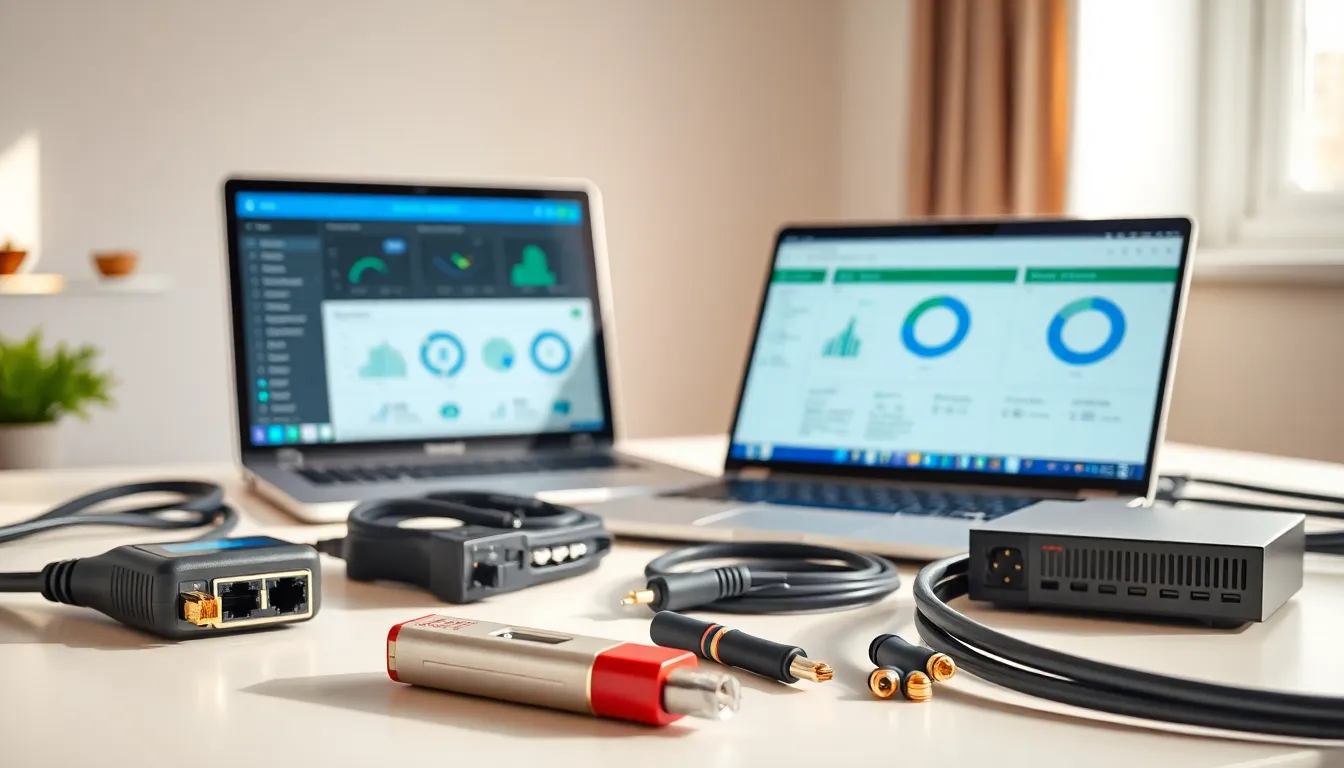
ToggleHome networking tools form the foundation of any reliable internet setup. Whether someone is troubleshooting slow speeds, running new cables, or monitoring bandwidth usage, having the right equipment makes all the difference. A solid collection of home networking tools saves time, reduces frustration, and keeps every device connected without constant issues.
This guide covers the essential home networking tools that every household should consider. From basic diagnostic utilities to professional-grade cable testers, these tools help users build, maintain, and optimize their networks. The goal is simple: faster connections, fewer dropouts, and complete control over home network performance.
Key Takeaways
- Essential home networking tools include diagnostic utilities, cable testers, and monitoring software to build, maintain, and optimize your network.
- Free tools like ping, traceroute, and Wi-Fi analyzers can quickly identify connection issues and reduce channel interference.
- A quality cable tester ($30+) and RJ45 crimping tools save hours of troubleshooting when installing or repairing Ethernet cables.
- Network scanning and bandwidth monitoring software help detect unknown devices, track data usage, and identify potential security threats.
- Investing in quality hardware like Wi-Fi 6 routers, gigabit switches, and mesh systems ensures reliable performance for multiple devices.
- Powerline and MoCA adapters provide wired-like stability to hard-to-reach areas where running Ethernet cables isn’t practical.
Basic Diagnostic and Troubleshooting Tools
Every home network encounters problems eventually. Slow speeds, dropped connections, and mysterious outages happen to everyone. Basic diagnostic home networking tools help identify issues quickly before they become major headaches.
Ping and Traceroute Utilities
Ping tests whether a device can reach another device on the network or internet. It sends small data packets and measures response times. High ping times often indicate network congestion or hardware problems. Traceroute maps the path data takes from one point to another, revealing where delays occur.
Most operating systems include built-in ping and traceroute commands. Windows users can open Command Prompt and type “ping” followed by an address. Mac and Linux users find similar tools in Terminal. These simple home networking tools cost nothing and provide immediate insights.
Speed Test Applications
Speed tests measure download speeds, upload speeds, and latency. Services like Speedtest by Ookla or Fast.com offer free browser-based testing. Users should run tests at different times of day to spot patterns. A connection that slows down every evening might indicate ISP throttling or neighborhood congestion.
Wi-Fi Analyzers
Wi-Fi analyzer apps scan nearby wireless networks and display channel usage. Crowded channels cause interference and slower speeds. These home networking tools show which channels have the least competition. Switching to a less congested channel often improves performance dramatically. Popular options include NetSpot for desktop computers and WiFi Analyzer for Android devices.
Cable Testing and Installation Equipment
Physical connections matter as much as wireless signals. Faulty cables cause intermittent problems that software tools cannot detect. Proper cable testing and installation equipment belongs in every serious home networking toolkit.
Cable Testers
Ethernet cable testers verify that cables work correctly. Basic testers check for continuity and correct pin configurations. Advanced models measure cable length and identify the exact location of breaks. A $30 cable tester can save hours of frustration when tracking down connection issues.
These home networking tools prove especially useful after running new cables through walls or attics. A cable that tests fine on the workbench might fail after installation due to crimping errors or physical damage during routing.
Crimping Tools and Connectors
Custom-length cables require proper crimping tools. A quality RJ45 crimper creates reliable connections that won’t fail over time. Cheap crimpers produce inconsistent results and frustrating intermittent failures.
Users should keep a supply of RJ45 connectors on hand. Pass-through connectors make the crimping process easier for beginners. Cat6 cables require Cat6-rated connectors for optimal performance. Mixing cable and connector grades reduces overall network speed.
Punch-Down Tools
Wall jacks and patch panels use punch-down connections. A punch-down tool seats wires firmly and trims excess in one motion. This home networking tool is essential for anyone installing structured cabling. Impact-style punch-down tools provide more consistent results than manual versions.
Network Monitoring and Management Software
Software-based home networking tools provide ongoing visibility into network health. They track bandwidth usage, identify connected devices, and alert users to potential problems.
Network Scanners
Network scanning software discovers all devices connected to a home network. Tools like Advanced IP Scanner or Angry IP Scanner create inventories of connected equipment. Users often discover unknown devices that might indicate security problems or forgotten hardware.
These home networking tools display IP addresses, MAC addresses, and device names. This information helps when configuring port forwarding or setting up static IP addresses.
Bandwidth Monitors
Bandwidth monitoring tracks data usage over time. Some routers include built-in monitoring features. Third-party applications like GlassWire provide detailed breakdowns of which applications and devices consume the most bandwidth.
Households with data caps benefit significantly from bandwidth monitoring. Identifying which devices or activities use the most data helps avoid overage charges. These home networking tools also reveal unauthorized usage or malware activity.
Router Management Apps
Most modern routers include companion apps for smartphones. These apps allow users to manage settings, view connected devices, and run speed tests from anywhere. Quality home networking tools like these put network control literally in users’ pockets.
Router apps often include parental controls, guest network management, and firmware update notifications. They simplify tasks that previously required logging into web interfaces.
Must-Have Hardware for Home Network Setup
Beyond diagnostic and installation tools, certain hardware items improve network performance and reliability. These physical home networking tools address common problems and expand network capabilities.
Quality Routers and Access Points
The router sits at the center of every home network. Budget routers often struggle with multiple simultaneous connections. A quality router with Wi-Fi 6 or Wi-Fi 6E support handles modern household demands much better. Mesh systems extend coverage to large homes without dead zones.
Network Switches
Ethernet switches expand the number of wired connections available. A basic unmanaged switch adds ports simply by plugging it in. Managed switches offer advanced features like VLAN support and traffic prioritization. Gigabit switches have become affordable enough that there’s no reason to use slower options.
These home networking tools are essential for home offices, gaming setups, and media centers where multiple devices need stable wired connections.
Powerline and MoCA Adapters
Powerline adapters use electrical wiring to extend network connectivity. MoCA adapters use coaxial cable instead. Both options provide wired-like stability to areas where running Ethernet cables isn’t practical.
Performance varies based on home wiring quality. Powerline adapters work best on circuits without major electrical interference. MoCA adapters typically offer more consistent speeds but require existing coaxial infrastructure.


