
Table of Contents
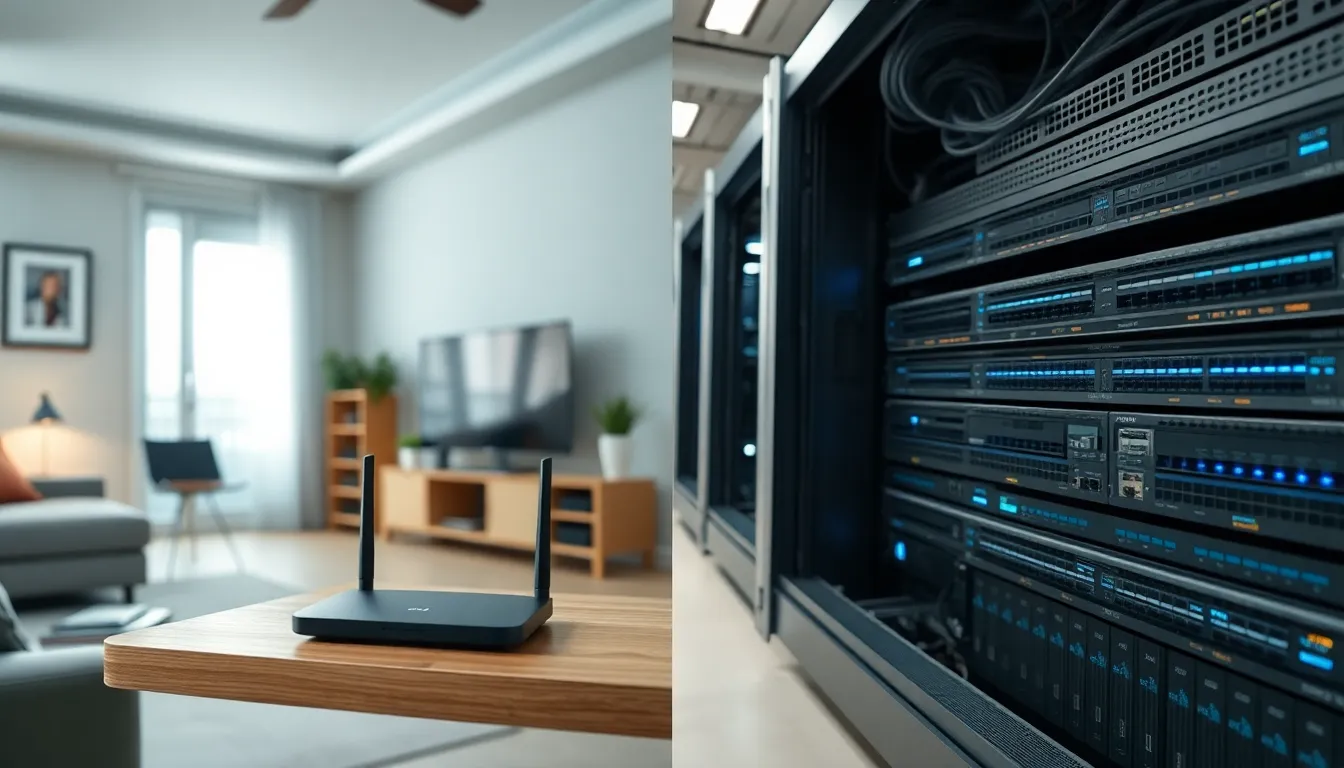
ToggleHome networking vs professional networking, what’s the real difference? Many people assume a router is a router, but the gap between these two setups is significant. Home networks serve small households with basic internet needs. Professional networks support businesses with dozens or hundreds of users, critical applications, and strict security requirements.
Understanding home networking vs professional networking helps people make smarter decisions about their connectivity. A home setup that works fine for streaming movies will fail miserably in an office environment. The reverse is also true, enterprise-grade equipment in a three-bedroom house is overkill.
This guide breaks down the key differences between home and professional networks. It covers what each type does, how they differ in performance and security, and when upgrading makes sense.
Key Takeaways
- Home networking supports 10-25 devices with basic security, while professional networks handle hundreds of connections with advanced protection and redundancy.
- Professional networks use dedicated hardware for routing, firewalls, and access points, whereas home setups rely on all-in-one consumer devices.
- Signs you’ve outgrown home networking include frequent connection drops beyond 30-40 devices, security concerns with sensitive data, or reliability demands tied to revenue.
- Enterprise networks offer critical features like VLAN segmentation, intrusion detection, QoS traffic management, and compliance-ready audit logging that home equipment lacks.
- A professional network investment often pays for itself by preventing costly security breaches or productivity losses from downtime.
What Is Home Networking?
Home networking connects devices within a residential setting. This includes smartphones, laptops, smart TVs, gaming consoles, and IoT devices like thermostats and doorbells.
A typical home network relies on a consumer-grade router provided by an internet service provider or purchased separately. This router handles Wi-Fi distribution, basic firewall protection, and NAT (Network Address Translation) to share a single public IP address among all connected devices.
Common Home Network Components
- Modem or gateway: Connects the home to the ISP
- Wireless router: Distributes internet access via Wi-Fi
- Range extenders or mesh systems: Expand coverage in larger homes
- Ethernet cables: Connect stationary devices for faster speeds
Home networking equipment prioritizes ease of use. Setup typically takes minutes, not hours. Most home users never touch advanced settings like VLANs, QoS policies, or static IP assignments.
The average home network supports 10 to 25 devices. Bandwidth requirements usually max out at streaming 4K video, video calls, and online gaming. Security features remain basic, WPA3 encryption, a simple firewall, and maybe parental controls.
Home networking costs stay low. A quality mesh system runs $200 to $400. Monthly ISP fees cover the rest. No IT staff required.
What Is Professional Networking?
Professional networking serves businesses, organizations, and enterprises. These networks handle hundreds or thousands of simultaneous connections while maintaining speed, security, and uptime.
A professional network uses commercial-grade equipment: enterprise routers, managed switches, dedicated firewalls, and access points designed for high-density environments. The hardware costs more, but it delivers reliability that consumer gear cannot match.
Key Professional Network Features
- Redundancy: Backup systems prevent downtime
- Scalability: Networks grow with the business
- Advanced security: Intrusion detection, content filtering, VPN support
- Traffic management: QoS prioritizes critical applications
- Monitoring: Real-time visibility into network performance
Professional networks segment traffic using VLANs (Virtual Local Area Networks). Guest Wi-Fi stays separate from internal systems. Finance data doesn’t mix with marketing traffic. This segmentation improves both security and performance.
Businesses also require compliance with regulations like HIPAA, PCI-DSS, or GDPR. Professional networking equipment includes logging, auditing, and access controls that meet these standards.
Managed service providers or in-house IT teams handle professional networks. Configuration involves detailed planning, testing, and documentation. Updates happen during maintenance windows to minimize disruption.
Core Differences Between Home and Professional Networks
Home networking vs professional networking differences span hardware, performance, security, and management. Here’s how they compare:
Hardware and Equipment
Home networks use all-in-one devices. A single router handles routing, switching, wireless, and firewall duties. Professional networks separate these functions across dedicated devices. A business might use a Cisco router, Juniper firewall, Aruba access points, and HP switches, each optimized for its specific task.
Professional equipment includes features absent from consumer gear:
- PoE (Power over Ethernet) for access points and cameras
- Link aggregation for increased bandwidth
- Hot-swappable components
- Rack-mounted form factors
Performance and Reliability
Home networking handles occasional heavy use. Buffering during peak hours is annoying but acceptable. Professional networks demand consistent performance. A video conference lag costs money. A POS system outage loses sales.
Enterprise equipment uses better processors, more RAM, and faster storage. Uptime guarantees (SLAs) often exceed 99.99%. Home routers offer no such promises.
Security Capabilities
Home networking security stops at encryption and basic firewall rules. Professional networks add layers:
| Feature | Home Network | Professional Network |
|---|---|---|
| Firewall | Basic NAT | Stateful inspection, IDS/IPS |
| Authentication | WPA3 password | 802.1X, RADIUS, certificates |
| Segmentation | None | VLANs, DMZ |
| Monitoring | Router logs | SIEM integration, alerts |
| Updates | Manual | Automated, tested patches |
Cost and Management
Home networking costs hundreds of dollars. Professional networking costs thousands to hundreds of thousands, depending on scale. A small business might spend $5,000 on equipment. An enterprise campus could invest millions.
Management differs too. Home users configure networks once and forget them. Professional networks require ongoing attention, firmware updates, security patches, capacity planning, and troubleshooting.
When to Upgrade From a Home Network
Home networking works until it doesn’t. Several signs indicate a need for professional-grade infrastructure.
Growing Device Count
Home routers struggle past 30-40 connected devices. Small businesses, home offices with multiple employees, or smart-home enthusiasts often hit this ceiling. Connection drops, slow speeds, and intermittent failures follow.
Professional access points handle 100+ simultaneous clients without breaking a sweat.
Security Requirements
Anyone handling sensitive data, client information, financial records, health data, needs more than home networking provides. A breach costs far more than enterprise equipment.
Professional networks offer:
- Network segmentation
- Intrusion detection
- Encrypted VPN tunnels for remote access
- Detailed audit logs
Reliability Demands
When network downtime means lost revenue, home gear is a liability. E-commerce businesses, remote workers dependent on video calls, and anyone with SLA obligations should invest in professional infrastructure.
Redundant internet connections, failover systems, and UPS backup power keep professional networks running during outages.
Performance Needs
Video production, large file transfers, VoIP phone systems, and real-time collaboration tools demand consistent bandwidth. Home networking lacks the QoS capabilities to prioritize critical traffic.
Professional networks shape traffic so the CEO’s video call never stutters because someone started a backup job.
Budget Considerations
Upgrading makes financial sense when downtime or security incidents cost more than the investment. A $10,000 network upgrade pays for itself after preventing one serious breach or avoiding a week of productivity loss.


